DOCUMENT WORKFLOW
Manual Documents Crop
Scan, correct and prepare a complete document for clean, print-ready output.
✓ Full Preview✓ Auto Corners✓ A4 / Legal / 4×6
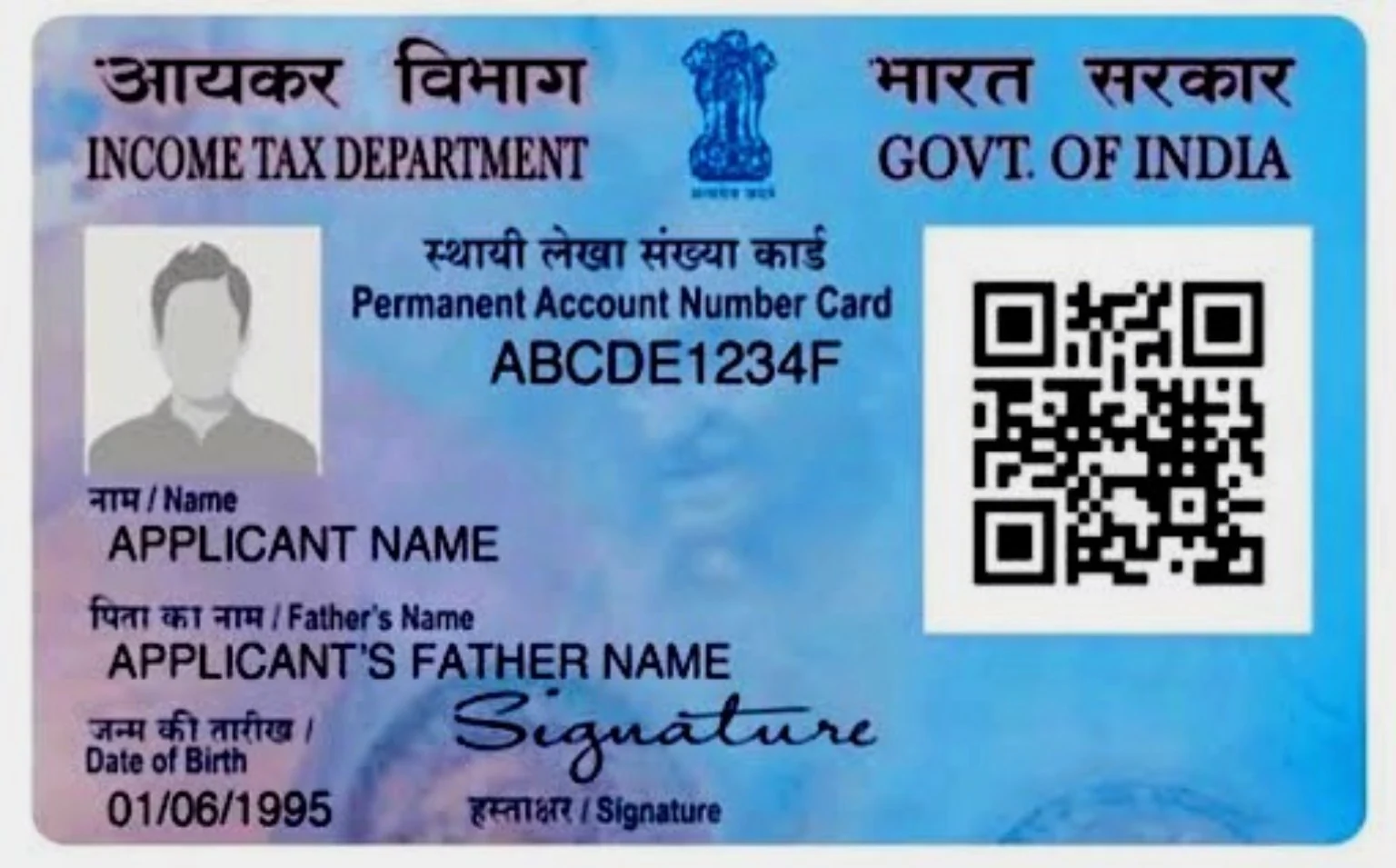
 SCAN
READY
AUTO
SCANPRINT READY
SCANPRINT READY
1Upload / CameraImage or PDF
2Auto CornersAdjust all 4 points
3EnhanceColour / B&W / sharpness
4SaveJPG or PDF
📁 Document Source
Upload the complete document so the entire page remains visible.No file selected
Camera works on HTTPS/localhost. If permission is unavailable, the phone camera capture option will open.
🖼 Complete Document Preview
Drag the four green corners to match the document.Choose an image/PDF or press Camera to start.
🟢 Corner handles↔ Full page stays visible✂ Corrected output keeps document proportions
⚙ Print Preparation
Build a clean output from the corrected document.Choose a document to begin.
🖨 Preview Print Page
Apply Correction-এর পরে document-টি page-এর মধ্যে Drag & Drop করে ঠিক জায়গায় বসান।Apply Correction to create the print page.
✨ Document Ready Features
Useful controls for everyday cyber-cafe document preparation.📄 PDF Page SelectorOpen a PDF and move between pages while keeping the full page preview visible.
📐 Four-Corner CorrectionCorrect perspective instead of stretching the document.
🎨 EnhancementBrightness, contrast, saturation, grayscale and text-focused sharpness controls.
🖨 Print SizesA4, Legal and 4×6 portrait output with full-page fit or a small border.
🔄 RotateRotate the source when a document is captured sideways.
🔒 Browser ProcessingFiles are handled in the browser wherever possible.